Soupedecode — TryHackMe CTF Walkthrough

Soupedecode — TryHackMe Walkthrough
Completed by: Shivam Pakade
Completed on: 2025-11-08
Difficulty: Easy → Medium (encoding/decoding / OSINT-style puzzles)
Table of contents
- Overview
- Initial enumeration & reading the challenge
- Decoding step-by-step
- Flags & proof
- Tools used & notes
Overview
Soupedecode is a decoding challenge that requires identifying multiple layers of encoding (Base64, hex, rot, simple substitution, etc.) and iteratively decoding them to reveal the flag(s). This walkthrough documents the thought process, commands and small scripts that helped me decode the payload.
Initial enumeration and reading the challenge
- Open the TryHackMe room and read the description carefully — the challenge often gives hints about expected encoding types (example: “this is a soup of encodings”).
- Download any provided files or copy the encoded string into a local file
payload.txt.
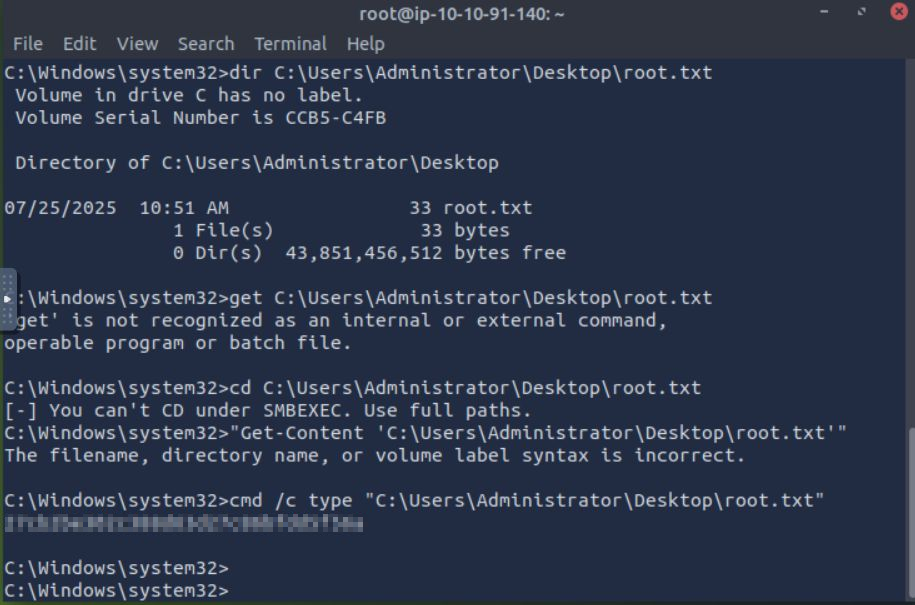
Image: example challenge screenshot
Decoding step-by-step
Below is an approach you can use for most multi-layer encoding CTF challenges. Keep notes on what each decoded output looks like — it guides the next step.
Step 1 — Inspect the payload
Save the payload into payload.txt. Use file and head to check:
1
2
3
head -n 10 payload.txt
file payload.txt
wc -c payload.txt
Look for patterns:
- Only
A-Za-z0-9+/=characters → likely Base64. - Hex characters
0-9a-fin even counts → hex. =signs or long lines → Base64 padding.- Repeating blocks or printable ASCII → maybe layered encodings.
Step 2 — Identify encodings
Common encodings to test (in descending probability):
- Base64
- Hex (ASCII hex)
- URL encoding / percent-encoding
- Rot13 / Caesar cipher
- XOR with single-byte key
- gzip/base64 compressed blob
- ASCII85 / Base85
- UTF-16LE/UTF-16BE weirdness
A useful triage command set:
1
2
3
4
5
6
7
8
9
10
11
# try base64 decode (safe check)
cat payload.txt | base64 -d 2>/dev/null | hexdump -C | head

# try converting hex to ASCII
xxd -r -p payload.txt 2>/dev/null | head

# check for url encoding characters
grep -E "%[0-9A-Fa-f]{2}" payload.txt || echo "no pct-encoding"

# try rot13 (often used in puzzles)
cat payload.txt | tr 'A-Za-z' 'N-ZA-Mn-za-m' | head
If base64 -d fails with “invalid” it might be double base64, or there might be whitespace/line breaks. Clean the input:
1
tr -d '\n\r ' < payload.txt > payload.clean
Then test again.
Step 3 — Iterative decoding strategy
Often you decode one layer, then the output suggests the next. Example workflow:
1
2
3
4
5
6
7
8
9
# 1. base64 decode
base64 -d payload.clean > step1.bin

# 2. check file type
file step1.bin
hexdump -C step1.bin | head

# 3. if it looks like ascii text, open it
strings step1.bin | head -n 40
If you see hex-like text in step1.bin, then:
1
2
# treat the result as hex and convert to ascii
cat step1.bin | tr -d '\n' | xxd -r -p > step2.txt
If step2.txt looks like U2FsdGVkX1... → that’s OpenSSL salted base64 (possibly AES). For that, you might need a password or key (often not used in this room). If you see 0x.. sequences or \xNN bytes, python quick script helps:
1
2
3
4
5
# convert \xNN sequences
s = open('step2.txt','r',errors='ignore').read()
import codecs, re
bytes_data = re.sub(r'\\x([0-9A-Fa-f]{2})', lambda m: chr(int(m.group(1),16)), s)
open('decoded.txt','wb').write(bytes_data.encode('latin1'))
When encountering ROT or Caesar:
1
2
# use 'rot13' (tr) or 'cyberchef' locally
cat stepN.txt | tr 'A-Za-z' 'N-ZA-Mn-za-m'
If output looks like base64 again, decode and repeat.
Flags and proof
Once the final plaintext is visible it will typically contain the flag pattern (e.g. THM{...} or FLAG{...} or CTF{...}).
Example check commands:
1
grep -Eo "THM\{[^}]+\}|FLAG\{[^}]+\}|CTF\{[^}]+\}" -R .
Tip: keep each intermediate step*.txt file — these are helpful to write the writeup and replicate results.
Tools used & notes
base64,xxd,xxd -r -p,tr,strings,file,hexdump- small Python scripts for non-standard binary manipulations
- CyberChef (web) is excellent for visual, step-by-step decoding — paste the data and try operations interactively
johnorhashcatonly if you encounter hashed content (rare in this room)
Recommended approach: iterative + note-taking. Always test small decodes and do not assume the output is plaintext.